October 17th, 2013
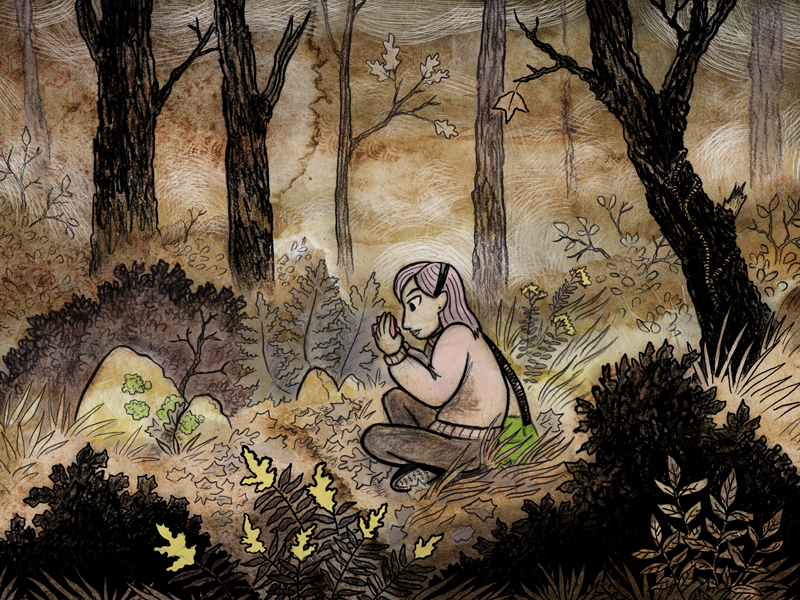
Today we are communing with nature -- oh yeah, and the hair is back to pink too!
Last week I talked about the drawing phases of these pages. This week, I'll briefly explain my coloring process.
Detailed textures were created with traditional art materials and then scanned into Photoshop. Several of these textures are placed on different layers within a page's file underneath of the scanned in linework. Many options exist within Photoshop to blend layers of information together. Previously solid images become transparent in various degrees and merge together into one image. For example, the option, "Multiply", turns all of the white information on my layer with the linework completely transparent -- it's a little like using a green screen in movies.
After the textures are blended together, I then color in select areas of color in a limited palette of yellow, pink, green, and gray. A specialized digital brush is then used to create additional texture and highlights in white.
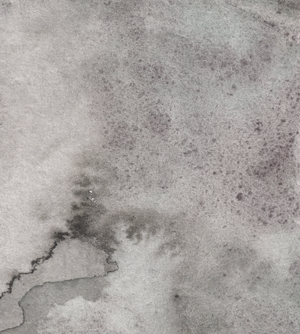
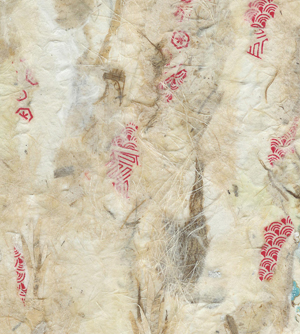
These are details of two of the textures I've been using. One is a watercolor wash, and the other was created by collaging many different types of decorative paper together.
|